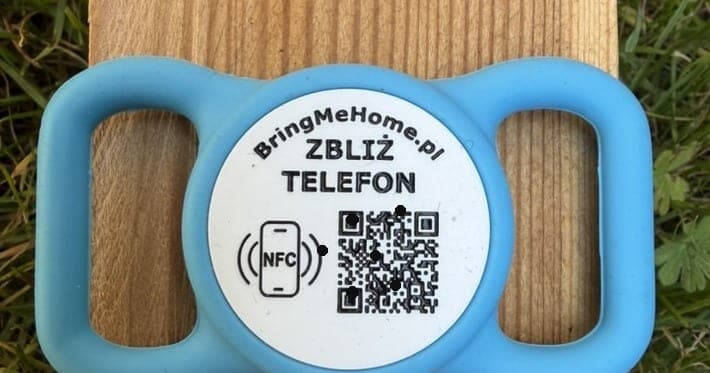
How it works on other tags
An engraved tag holds one number for good. Change your phone or move house and you order a new one. QR tags were meant to fix that, but it varies. Some make you download an app — you and the finder both. Others need an activation code copied off the box before they'll do anything. And some charge a subscription just to keep the profile alive: stop paying and it's gone.
Here the tag links itself
You buy a new tag, log in and scan it. That's it. The tag links to your account on its own — nothing to dig out of settings, no code to copy off the box. Whatever you put in your pet's profile is already tied to it.
How to pair the tag, step by step
1. Create an account — with Apple, Google or email. Already have one? Log in.
2. Buy a tag in our shop.
3. Logged in, scan it with your phone, over NFC or the QR code.
4. Done — the tag is on your account. Here's what a finished profile looks like: see an example profile.
There's no fifth step with codes to type or an app to install.
Change the details, keep the tag
Phone number, address, photo, health notes — you edit them in your account whenever something changes. The tag stays the same. Switch numbers or move across town and you order nothing new. Off to the coast? For the trip you can put in the number you'll actually answer, so a finder reaches you straight away.
You can also move the same tag to another pet — deliberately, from your account, under "My tags". Re-pairing is always your call in the account, not a side effect of a scan.
No subscription, no app
You pay for the tag once. The profile keeps working with no monthly or yearly fees — it won't expire, because there's nothing to renew. You don't need an app either. You manage the profile in an ordinary browser, on your phone or computer. The finder downloads nothing too: they tap their phone to the NFC tag or point the camera at the QR code and see the profile and a contact button right away.